
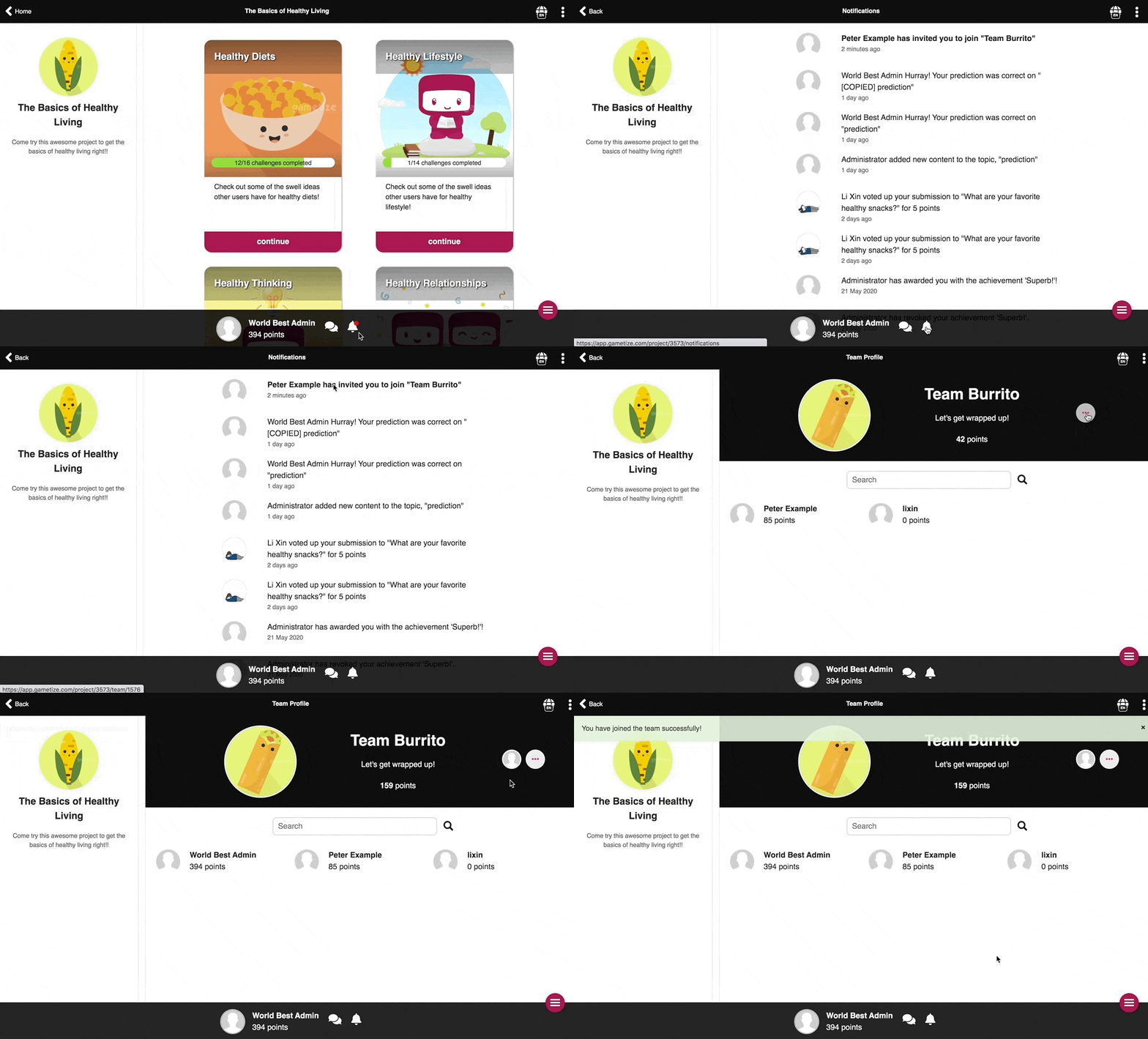
Invitation to join a Team can be sent by existing Team members of a Team. To join a Team via an invitation on the Gametize Player Web:
- Search and select a Project which you received the invitation in.
- Go on to view your notifications - you have to select a Project first.
- If you have received an invitation to join a Team, you will see such a notification that says
 .
. - Click on the notification. This will direct you to the team profile which you have been invited to.
- In the top right corner, tap
 and select
  .
. - You are now part of the selected Team!
|
NOTES:
|
|
Related Articles: |
Comments
0 comments
Please sign in to leave a comment.