[FEATURE UPDATE] GAME CREATION GETS FASTER - Image Library V2

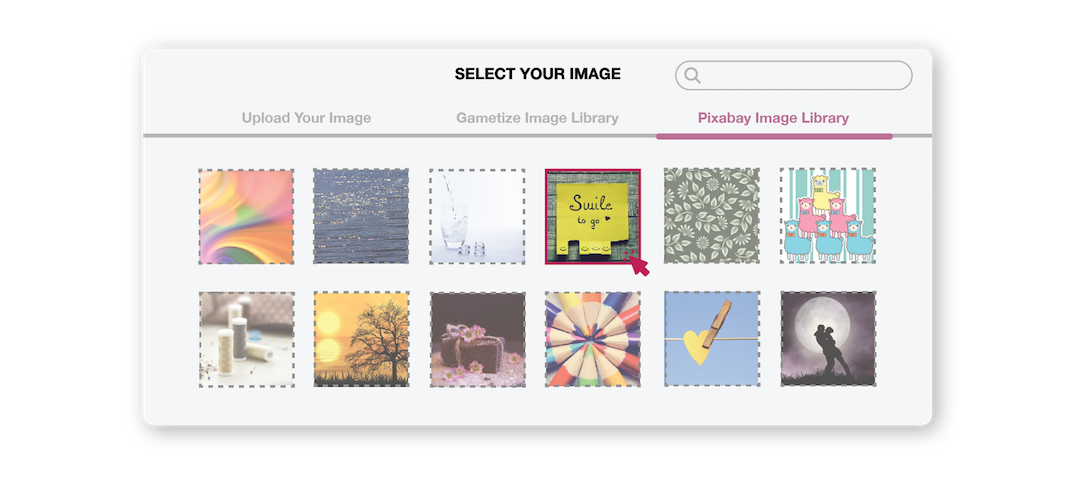
It has been a year since the launch of Image Library V1. If you have explored the feature, you might have realized that the designs heavily utilized iconography and vectors, as curated by the Gametize’s Design Team. While they are adorable (or we would like to think so!), we do understand that this visual style may not fit your Project content. This is where the next iteration of the Image Library comes - integration with Pixabay, where we introduce variety and convenience!
Forgot about the tedious process of opening up Pixabay on a new browser tab, search for an image, download the image then upload the image onto Gametize Admin Dashboard. With just a couple of clicks, you will be able to search images from Pixabay and insert them into your content - all within the Image Uploader! (Learn how to do so!)
*Wondering if you are able to use the images from Pixabay, read here to find out.
---
The Pixabay Image Library is available to all Project Owner and Administrators. Simply open up the Image Uploader interface and you will be able to see the option. To experience, login now!
Follow us here for more Tips & Tricks on how to use Gametize Features.
Please sign in to leave a comment.
Comments
0 comments