[Feature] Topic Statistics Reports Now Available for Download

A big thank you to our clients for your valuable feedback! We’ve heard your request to make topic statistics (by player or grouped by user fields such as department, country code, etc.) downloadable, and we’re happy to share that this is now available.
Why This Update?
While similar data has been available through other reports, they did not fully reflect the clarity and structure of the Topic Statistics view in our CMS Analytics. With this update, the downloadable reports are now formatted closely to the CMS view, with additional data points to make them more useful for spreadsheet analysis.
Where to Find the Reports
These reports are available at both Platform Level (Enterprise only) and Project Level:
Platform Level (Enterprise Platform Only)
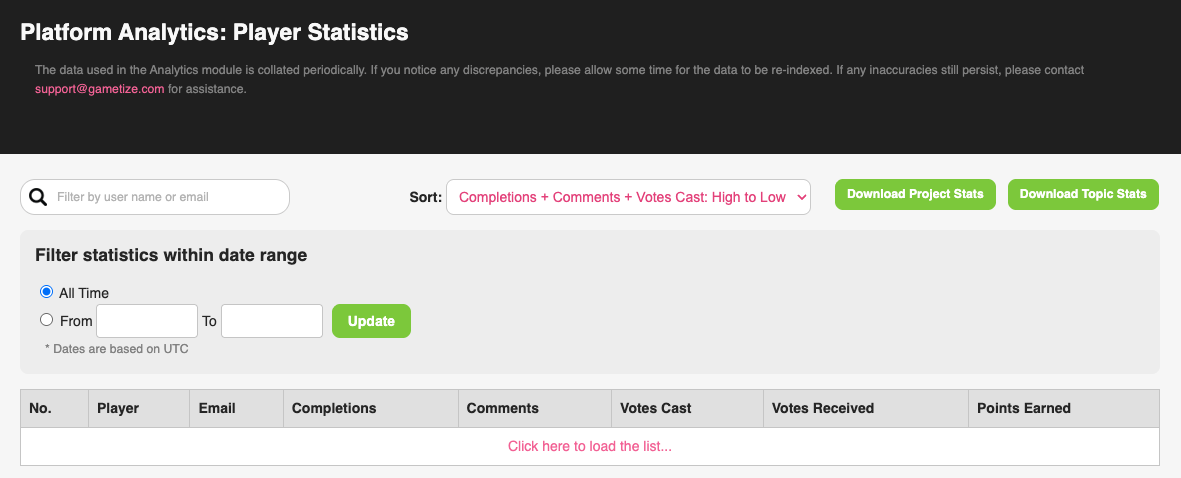
-
All Users
Platform Analytics > Player Statistics > “Download Topic Stats Report” (top of topic stats table) -
Individual User
Platform Analytics > Player Statistics > Search/select a player > “Download Report” (top of topic stats table) -
Group (by User Field)
Platform Analytics > Player Field Statistics > Select a group > “Download Report” (top of topic stats table)
Project Level
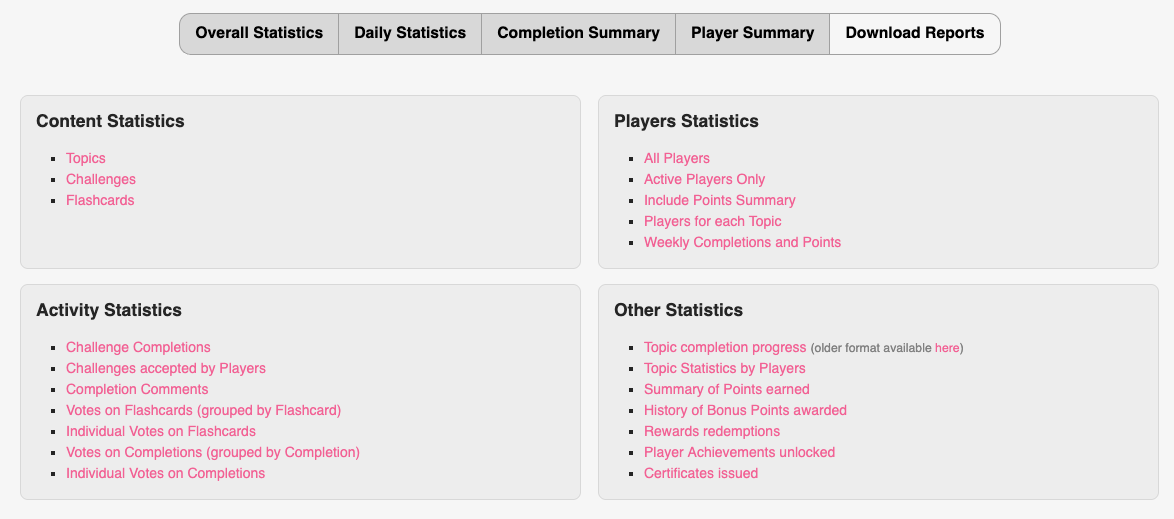
-
All Users
Project Analytics > Report Download > “Topic Statistics by Players” -
Individual User
Project Tools > Player Manager > Analytics > “Download Report” (top of topic summary table)
We hope this makes it easier for you to analyze and act on your project data. As always, keep the feedback coming!
Please sign in to leave a comment.
Comments
0 comments