From Idea to Gametize with AI: Fast Project Creation with Gametize's custom ChatGPT Bot

Creating a Gametize project can be streamlined using two custom ChatGPT AI bots designed specifically for this purpose: Gametize Project Assistant and Gametize Content Export. Follow the guide below to efficiently draft your project, convert it into a .gametize file, and import it into the Gametize platform.
Step 1: Use Gametize Project Assistant to Draft Your Project
Gametize Project Assistant is ideal for:
- First-time users building a new project
- Quickly drafting gamified content
- Converting existing documents into Gametize-ready format
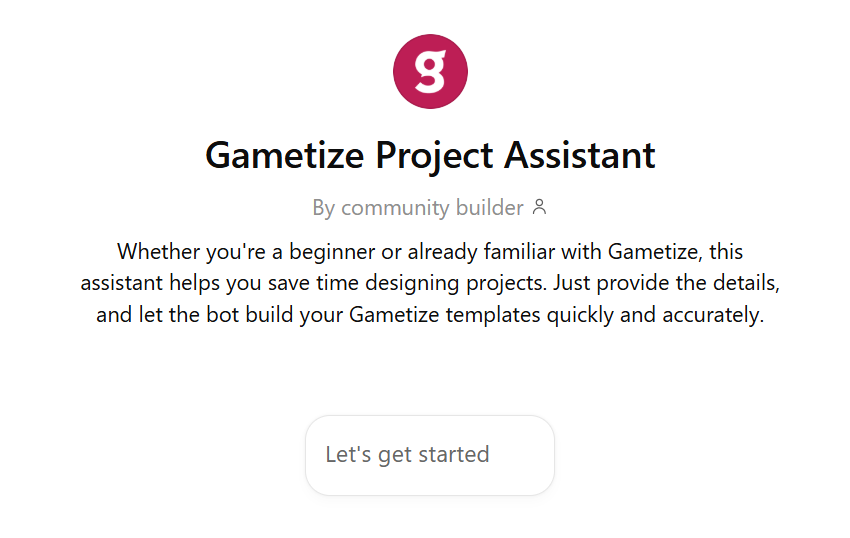
You can interact with the bot directly or upload a document (e.g., training plan, campaign outline), and the assistant will structure it into a gamified project automatically.
Access: https://chatgpt.com/g/g-T4jwL1MtS-gametize-project-assistant
Notes:
- You will need to sign in to your OpenAI (ChatGPT) account to access and use the bot.
- For private or confidential content, it is recommended to use an OpenAI Team account. This ensures data will not be used for model training.
Output:
The assistant will generate a structured Word document (.docx) containing your project’s:
- Title and description
- Topics and their descriptions
- Challenge types, content, and settings
After completion, the bot will guide you to the next step using the Gametize Content Export bot.
Step 2: Use Gametize Content Export to Convert into .gametize File
Once you have your .docx file, open the Gametize Content Export bot. This bot will take your Word document and convert it into a .gametize file, which is required for importing into the Gametize platform.
Instructions:
- Open the bot.
- Drag and drop the Word document generated from Step 1.
- Follow the on-screen prompts to complete the conversion.
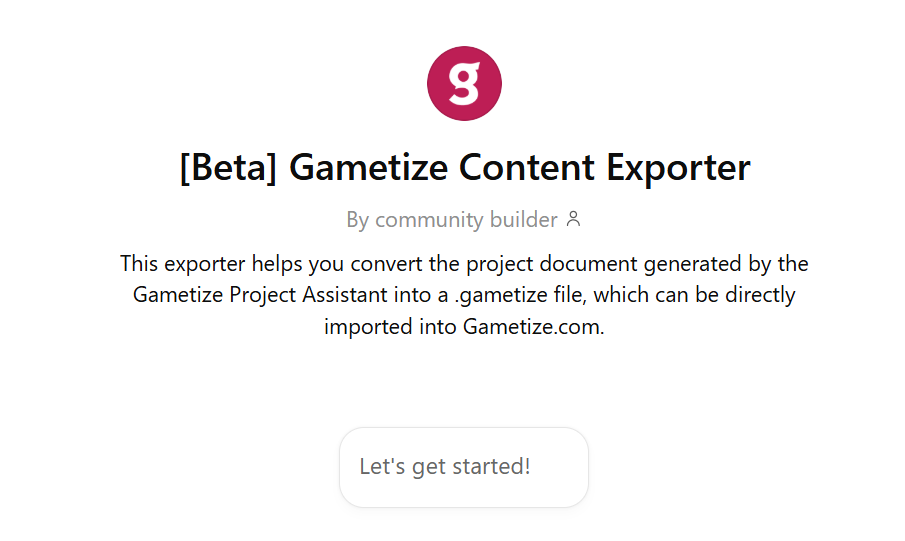
Output:
A downloadable .gametize file ready for import.
Assess: https://chatgpt.com/g/g-67b6f4e901d88191a6b208fad9e642f9-beta-gametize-content-exporter
Step 3: Import the .gametize File into Gametize
Now that you have your .gametize file, follow these steps to bring your content into the Gametize platform.
Instructions:
- Log in to your Gametize Admin Dashboard.
- Click Create a New Project.
- Choose Import Project.
- Upload your
.gametizefile. - Click Create Project.
Your project is now live and ready for review or editing on the Gametize platform.
Please sign in to leave a comment.
Comments
0 comments